Excel
For Excel assessments, MO-200
Level 1: Newcomer
0 points
Sign in to save your progress across devices.
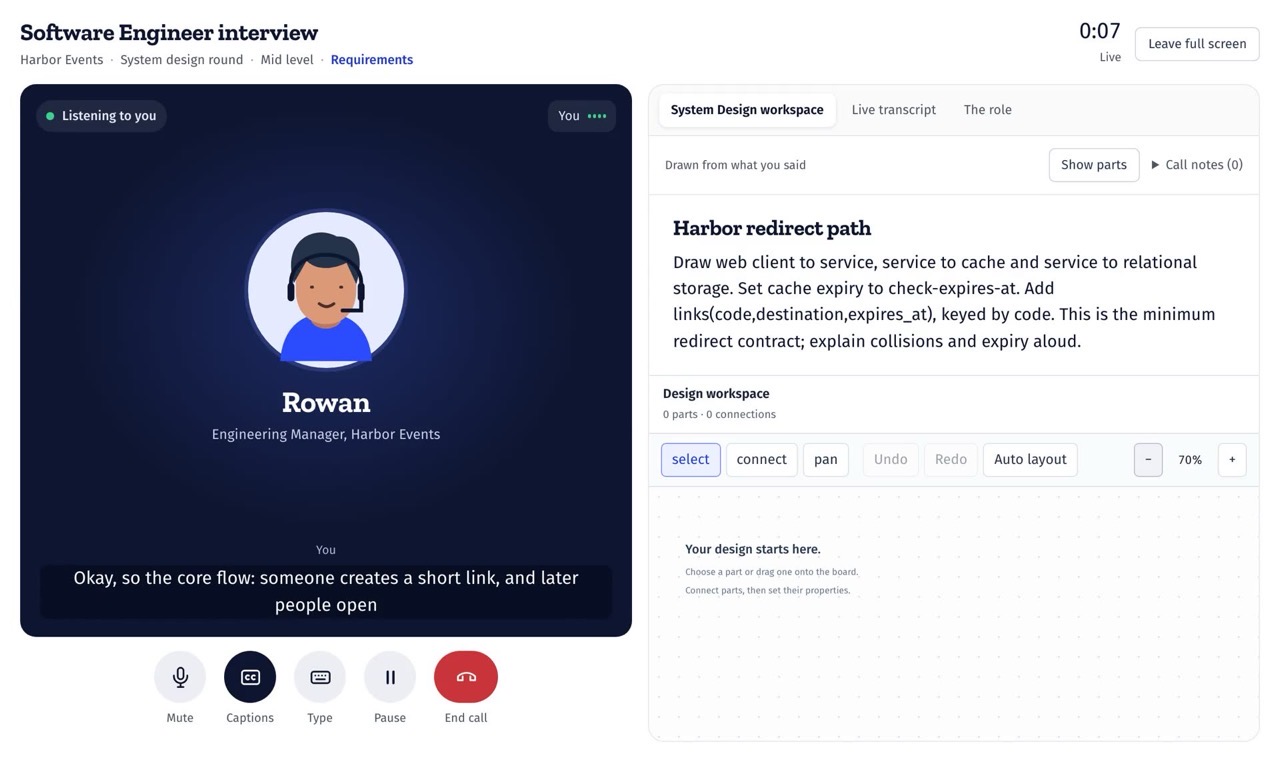
Real exercises in workspaces modeled on the tools. Pick one below and try it.An interviewer who listens and follows up. Watch a practice call below.
Lesson 1 · SUM
Lesson 1 · WHERE and ORDER BY
Table orders: order_id customer amount region
 pandas course
Lesson 1 · groupby
Lesson 1 · Your first visual
Lesson 1 · Columns and rows
 Python practice
 AWS practice
 Terminal practice
 Salesforce practice
 Google Sheets practice
{FREE_LINE}
Analyze data in spreadsheets, SQL workspaces, notebooks and dashboard builders.
For Excel assessments, MO-200
For SQL interviews and tests
For Take-home tasks
For Data scientist and machine learning interviews
For PL-300
For Desktop Specialist
For Office and analyst roles
For Reporting roles, PL-300
For SnowPro Core
For Analytics roles, GA4 work
For Analytics engineering
For Databricks Data Engineer Associate
For Analyst roles and Core-style practice
Write code, solve problems and practice system design.
For Coding interviews
For Python software engineering and coding interviews
For System design interviews
For Coding screens and mock interviews by role
For Java developer interviews and Java SE 21 certification topics
For JavaScript and TypeScript engineering interviews
For Front end development interviews and practical job tests
Use the command line, manage code with Git and work with containers.
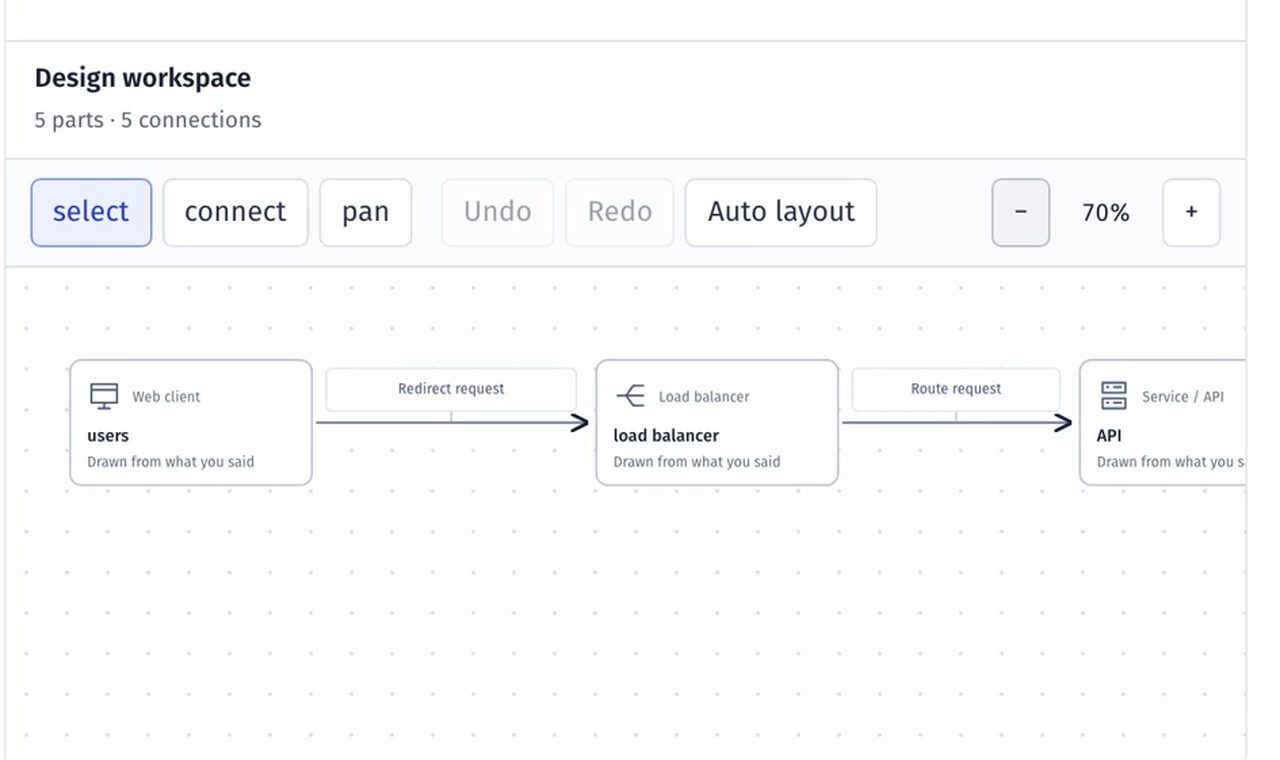
Configure cloud services and troubleshoot infrastructure in a local simulator.
Work with business records, reports, workflows and workforce plans.
For HCM analyst work and skills assessments
For SAP end-user and analyst roles
For Operations roles and PL-900 objectives
For Resource planning and workforce analyst job tests
For Certified System Administrator
For Salesforce Administrator certification and admin roles
Build financial models, record transactions and prepare financial statements.
Every lesson is the same four steps, in whichever tool you pick.
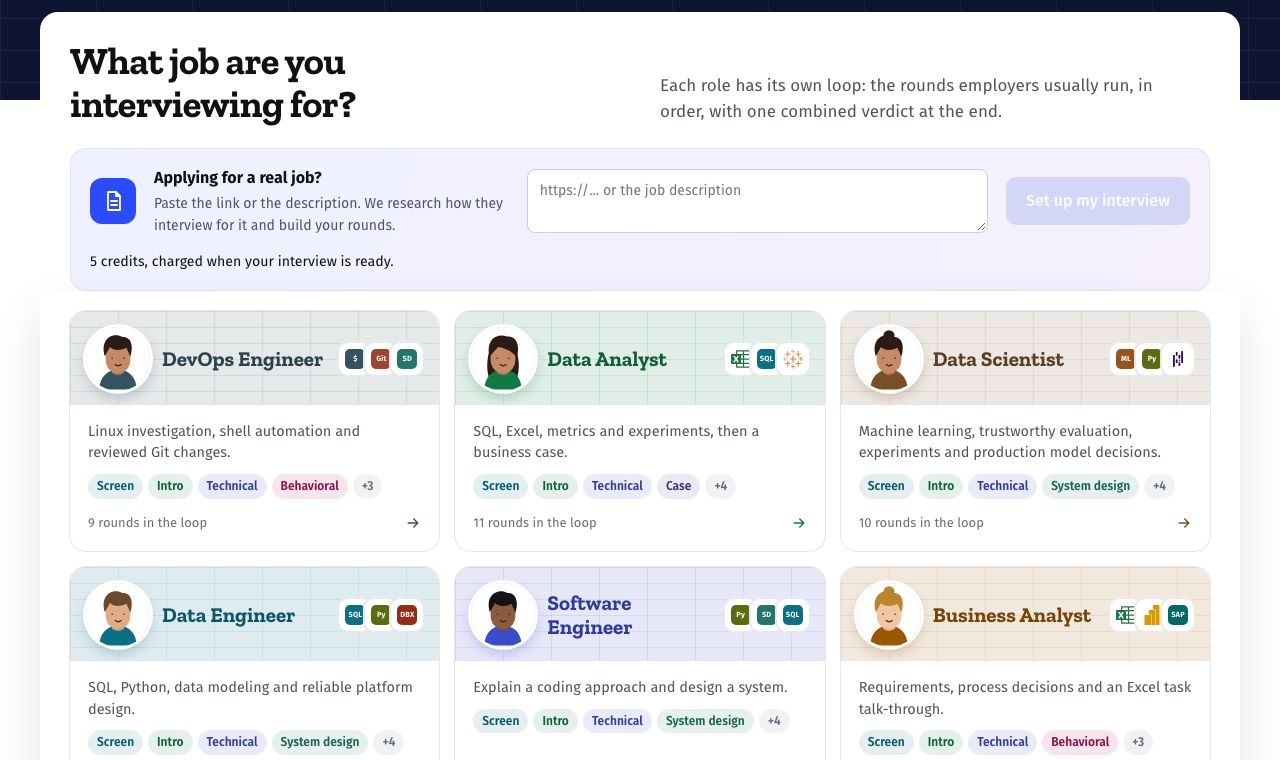
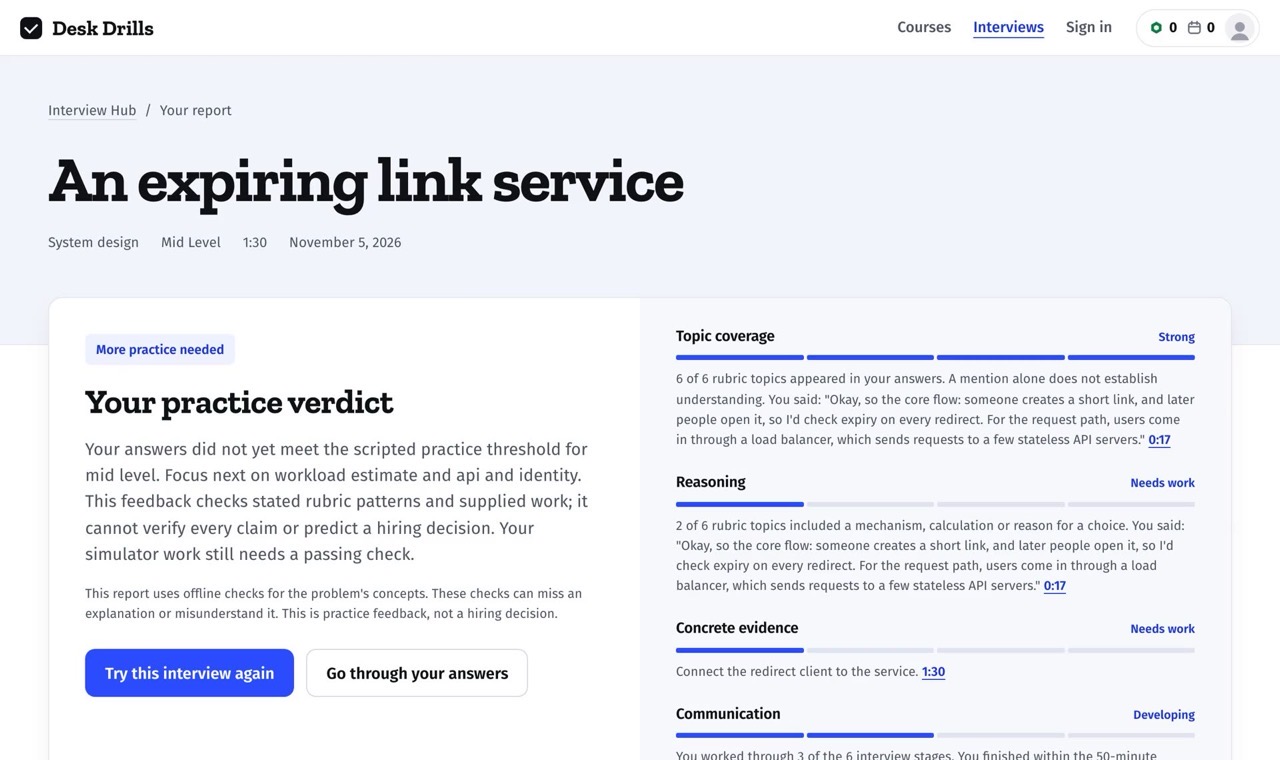
Practice the rounds employers run, out loud, with an interviewer who follows up.
A short explanation, then one clear task.
Work in the tool, as you would at your job.
At once, with a hint when it's wrong.
The next exercise, from beginner to expert.
Most data analyst jobs ask for the same few tools: a spreadsheet, SQL, Python with pandas and a dashboard tool. Learn them in the order analysts usually do, or jump to the one your next test asks for.
Software interviews test a language you know well, the classic coding patterns and how you design a system. Practice each in a real code workspace, with every answer run against tests.
Data engineering interviews test SQL in depth, a cloud warehouse, modeling with dbt and processing at scale. Practice each in a workspace modeled on the real tool, the way the job uses them.
Cloud and DevOps roles expect you at home in a terminal, in Git, with containers and on AWS. Practice them in workspaces modeled on the real tools, where nothing you break is real.
Finance and accounting roles live in spreadsheets: models, journal entries and the reports built on them. Practice the tools the job uses, from the first formula to a finished report.
Practice the first unit of every course. No account needed.
Practice across 34 courses
$54.99/ year
$17.99/ month
About $4.58 a month, billed yearly
Billed monthly, cancel any time
Choose a course$139.99/ year
$24.99/ month
About $11.67 a month, billed yearly
Billed monthly, cancel any time
Get All AccessOne plate is one spoken minute. Typed practice is free up to 20 minutes a day.
Most use a spreadsheet (Excel or Google Sheets), SQL to get data out of databases, a dashboard tool like Power BI or Tableau, and often Python with pandas. The Work Gym has a hands-on course for each.
Do the tasks those tests use, against the clock: lookups, SUMIFS, cleaning data, charts and summaries. The Excel course builds up to exactly that and ends with mock exams in the same style.
Expect SQL queries (joins, GROUP BY, window functions), a spreadsheet task, questions on metrics and a short case. The SQL, pandas and consulting courses each have interview sets built from these.
Free access details are loading. Visit plans and pricing for current access.
No. The simulators run in your browser, including Python notebooks, SQL workspaces, Linux terminals, Git repositories and a local AWS account.
Most take 5 to 15 minutes: a short explanation and a few exercises. Projects and mock exams take longer, and you can stop and come back.
Pick a tool and do lesson 1 now. No account, no card, nothing to install.